
Start With What Happened
The Reader’s Edge | Charlie Samways | November 15, 2026 |
In December 2025, I bought a Kindle Scribe to review on my YouTube channel, but I never expected it to transform the way I think about journaling.
Last week I shared how my Kindle Scribe has been one of the factors behind starting a consistent journaling habit.
Part of the reason is that, as much as I did and still love the feel of pen on paper, I’ve always liked different notebooks for different purposes. One for journaling, one for work notes, one for general creativity or ideas, as just a few examples I’ve had over the years.
But whenever it came to leaving the house, I had to make a choice. And that choice meant sacrificing some of my notebooks.
Some people may be reading this thinking the answer could be everything within one book, but with an e-ink tablet you don’t have to compromise.
You can have new files and folders for whatever you choose. That means on my Scribe I have an area for journaling, note-taking, and those general ideas that come to me.
If any of these problems relate to your experience, an e-ink tablet is worth trying for yourself. It solved the problem for me and helped me stay consistent with the thing that has made a noticeable difference to my life.
My Approach to Journaling
Journaling has become a common recommendation, and with it there has also been a growth in the number of “right” ways to go about it.
Some people tell you to write what you feel grateful for, and other prompts dive straight into talking about your inner feelings.
This may work for some people, but it’s actually one of the reasons I gave up on journaling in the past. There are only so many days I could search for new reasons to feel gratitude without feeling like I was just repeating myself.
My approach is to keep a daily diary as the starting point. I stick to the highlights of my day, and if not much has happened, I write that without shame.
With every entry, I try to consider and capture what I actually thought about the moments that have taken place. With this honesty in mind, whether it’s work, personal or goal-related, I never feel like I’m struggling for things to write.
Some days it’s an invitation to a YouTube event, which helped me reflect on how far I’ve come as a creator in a year. Other days it’s a sports injury that has given me more time to build a career I’m passionate about.
Rather than losing these moments, they’re saved and make great reading when you look back at the same periods of previous years.
I love looking back at my growing trail of entries, and that gives me the motivation to keep turning up each day, so that there’s more to look back on in the future.
This Week’s Question
What do you start your journal entries with, or what stops you from starting one?
Reply to me at hello@charliesamways.com. I read every one.
From The Channel This Week
As a Paperwhite-lover, I was excited to unbox the 2026 Paperwhite Signature Edition and Kindle Page Turn Cover on my YouTube channel this week. Despite their high price point, my initial impressions were largely positive, and the Page Turn Cover surprised me. It’s worth checking out:
2026 Kindle Paperwhite Signature Edition Unboxing & First Impressions
The Reader’s Edge: A Complete Kindle Reading System
If you want to remember what you read and actually use it, The Reader’s Edge is the system I built for that:
- Includes the 42-page guide plus the companion documents: Book Completion Template, Monthly Review Template, Reading Tracker, First 30 Days, and the Reader’s Edge Workflow.
- There’s a 14-day refund policy, so if you try it and it’s not for you, just let me know.

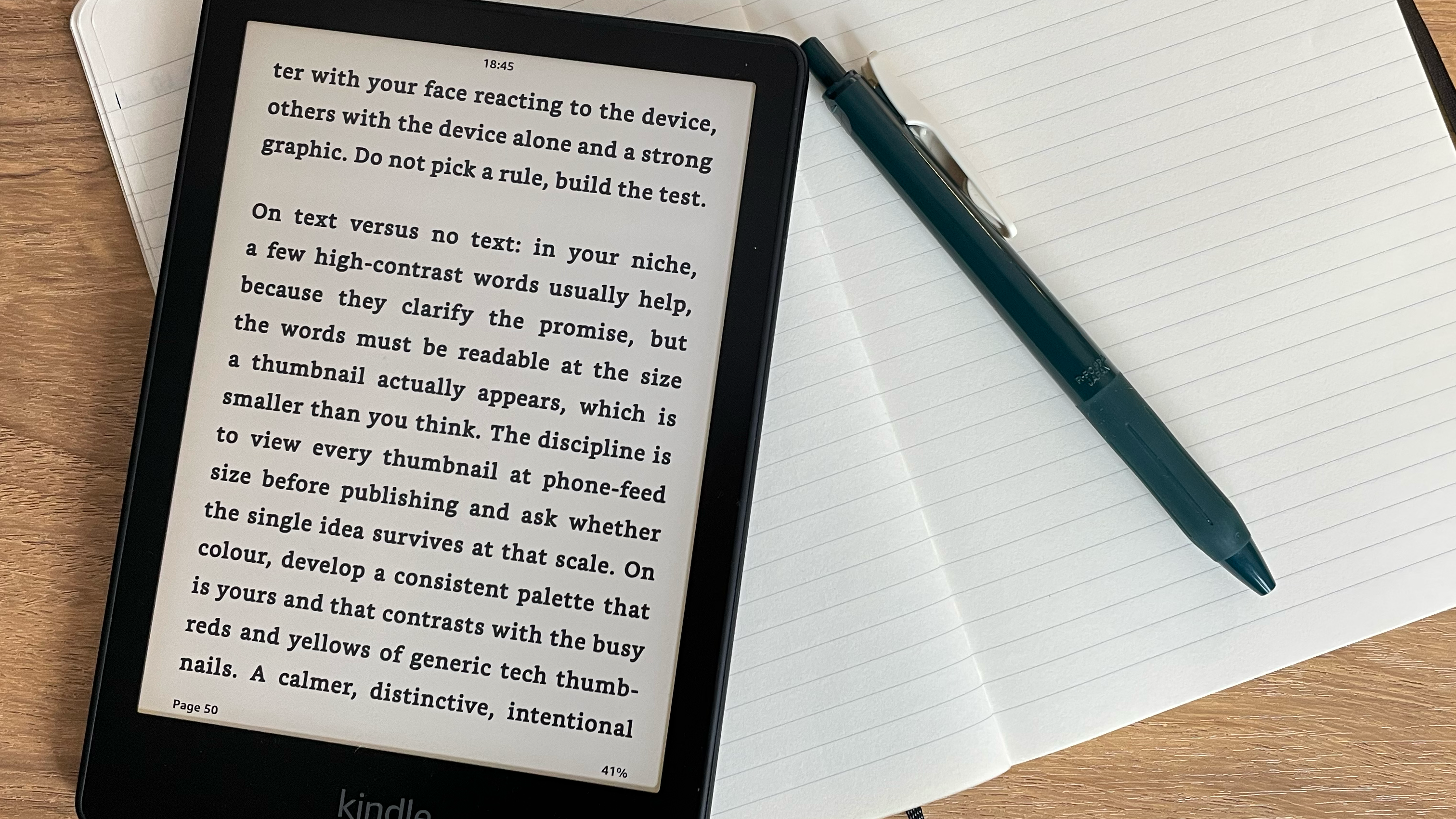
If you haven’t already, keep an eye on my free resources page. This is where I share tools to get more out of your Kindle, plus notes from some of my favourite non-fiction books. Available to all website members.
Wishing you all the best this week, and building your journaling habit.
Catch up next week,
Charlie